Static HTML
How a plain HTML file embeds droplets with nothing behind it but a file
server: the page loads the droplets server’s /index.js, fetches each
fragment from the browser and inserts it. The droplets server stays on its
own origin; nothing is proxied. This is the
client-only page at its smallest, and what a page
on any static host (an object store, a CDN, GitHub Pages) does.
The pattern in plain HTML
Section titled “The pattern in plain HTML”<!-- html/index.html (trimmed) --><head> <link rel="stylesheet" href="/shop.css"> <script type="module" src="http://localhost:8000/index.js"></script> <script type="module" src="/shop.js"></script></head><body class="shop"> <djs-shop data-droplet="toast-center"></djs-shop> <header class="shop-header">…</header> <main class="shop-main shop-wrap" id="page">…</main></body>// html/shop.js (trimmed)const entry = [...document.querySelectorAll('script[type="module"][src]')] .map((script) => new URL(script.src)) .find((url) => url.pathname.endsWith("/index.js"));const DROPLETS = new URL(".", entry).href;
async function fragment({ id, params, target, onRedirect }) { const response = await fetch(new URL(`droplets/${encodeURIComponent(id)}?${params}`, DROPLETS), { redirect: "manual", headers: { accept: "text/html" }, }); if (response.type === "opaqueredirect" && onRedirect) return onRedirect(); const isFragment = (response.ok || response.status === 500) && (response.headers.get("content-type") ?? "").startsWith("text/html"); if (!isFragment) throw new Error(`HTTP ${response.status}`); const template = document.createElement("template"); template.innerHTML = await response.text(); target.replaceChildren(template.content);}/index.jscomes from the droplets server and defines its element (djs-shop, the shop’selement). Every droplet then loads its bundle, stylesheet and data from where/index.jscame from, soshop.jsreads the server’s URL from that one tag.shop.jsasks for each fragment withfetchand inserts it through a<template>, so the element upgrades as it enters the document and hydrates as its droplet says. It inserts an HTML answer only (a2xx, or a500carrying the droplet’s error page); anything else shows a fixed note, since its text may echo the props.- The toasts are an element the page writes itself:
toast-centeris client only and renders in the browser. - The request goes from the browser straight to the droplets server, so the
fragment’s URLs are on that server’s own origin and no
x-droplet-locationis involved.
The static page, recorded
Section titled “The static page, recorded”The shop’s pages on this host, recorded by the end-to-end test
(tests/hosts/e2e/static.spec.ts): the gallery, a product opened from its
card, its comments, and a category by its link. The droplets are the
shop demo’s.
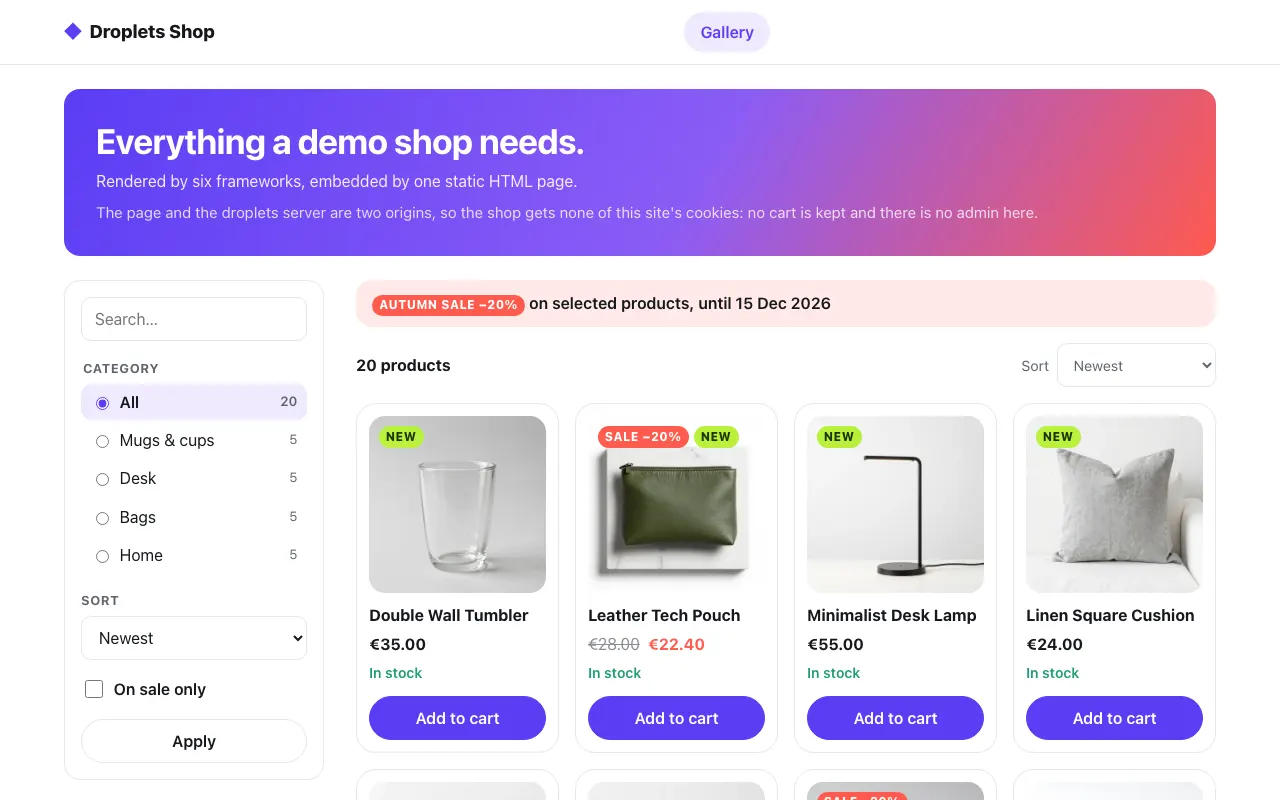 The gallery, fetched from the shop's own origin
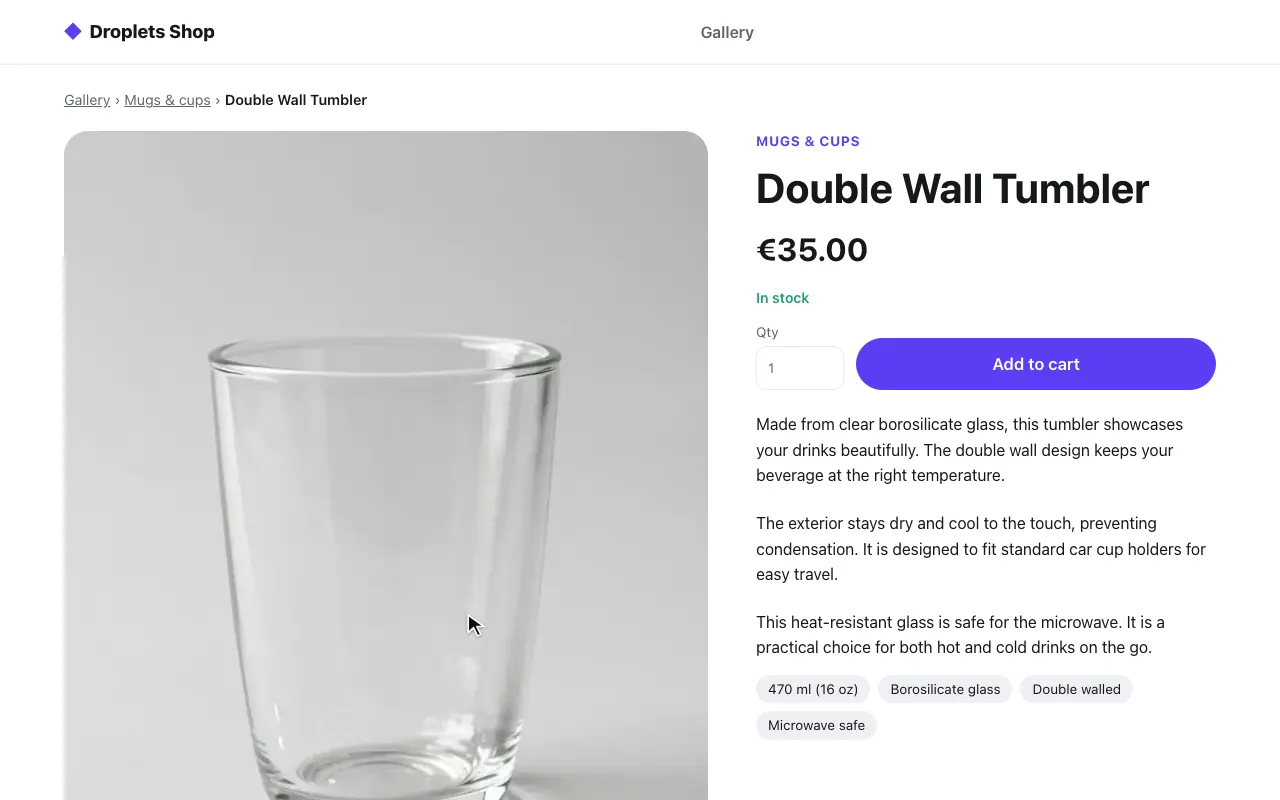 A product page, the same HTML file
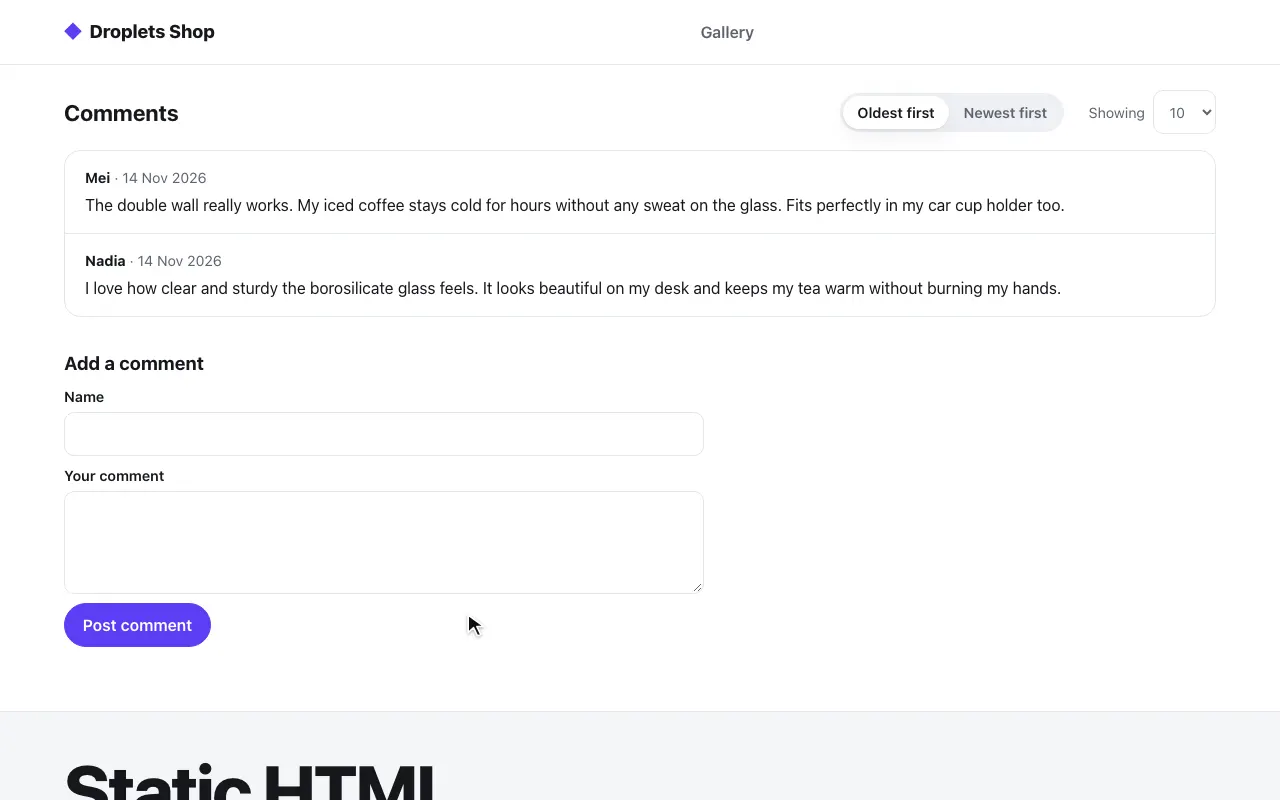 Its comments, asked for with the product's id
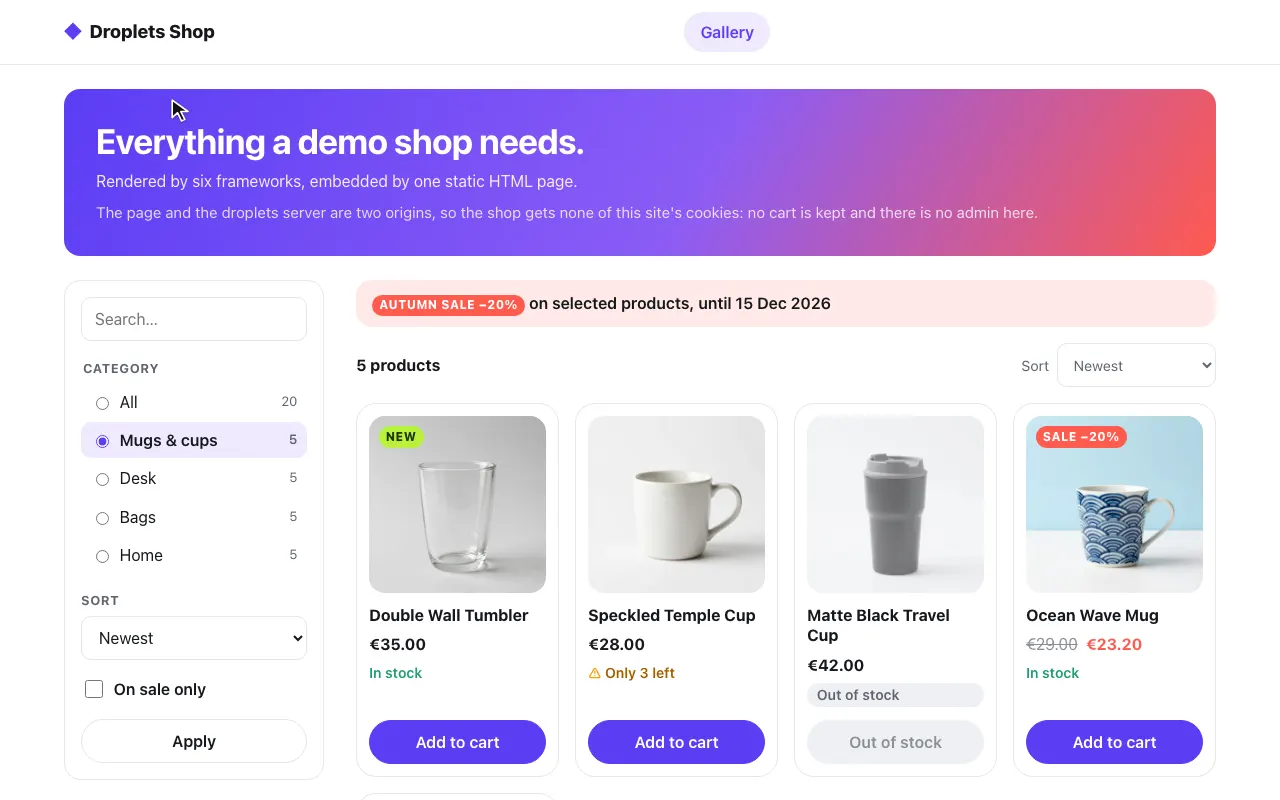 A category, from the page's query
The code is in examples/hosts/static: html/index.html, html/shop.js,
the shared html/shop.css, html/site.css (the placeholder and a note),
nginx.conf and the Dockerfile.
Pieces and ports
Section titled “Pieces and ports”docker-compose.yml starts two services:
| Service | Port | What it is |
|---|---|---|
web |
8011, on 127.0.0.1 |
nginx:1.27-alpine serving the page and its files; it proxies nothing |
shop |
8000, on 127.0.0.1 |
the shop’s droplets server (examples/shop), which the browser asks directly, cross-origin |
| Path | What shop.js asks for |
|---|---|
/gallery |
product-filter and product-library, with the page’s whole query (the shop drops what a droplet does not take) |
/product/<slug> |
the product’s id, name and category from GET /droplets/product-page/_data?slug=, then product-page (slug, and v when the link has one) and product-comments (the id; order, page, showing) |
nginx answers both paths with the same index.html, and only a slug of the
shop’s shape ([a-z0-9]+(?:-[a-z0-9]+)*) gets it; / redirects to
/gallery. The page names its droplets server as http://localhost:8000;
when it is published elsewhere, sub_filter in nginx.conf rewrites that
URL to DROPLETS_PUBLIC_URL.
The shop’s links are root-relative (/product/<slug>?v=…), so they land on
this page’s origin, which answers them with the same file. An old v answers
a redirect, opaque to a cross-origin fetch: shop.js drops v from the
page’s URL and asks again, and the product renders live.
The droplets server’s side
Section titled “The droplets server’s side”The shop’s droplets.config.ts has cors: true, so a page on any origin
may import /index.js and the bundles and fetch fragments and _data. A
GET with only an Accept header needs no preflight.
DROPLETS_TRUSTED_ORIGINS lists this page’s origin (http://localhost:8011).
To allow only your site, give cors an origin list
(cors: { origin: ["https://www.example.com"] }; see
CORS).
Run it
Section titled “Run it”cd examples/hosts/staticdocker compose up --buildopen http://localhost:8011/gallerySet SHOP_SECRET and DROPLETS_SECRET first (32 or more random characters
each, openssl rand -hex 32), in the environment or a .env file beside
docker-compose.yml: compose refuses to start without them. pnpm test:hosts
generates its own for a run.
pnpm test:hosts static runs it end to end, from the repository root. The
test also loads a page with a query directly, an unknown product, an old
v, and the page without JavaScript, and checks that the shop answers the
page’s origin with access-control-allow-origin: * and no credentials.
What a cross-origin page gives up
Section titled “What a cross-origin page gives up”- Cookies. A cross-origin
fetchand the element’s own requests go out without credentials, so the droplets server never sees the visitor’s cookies, and aSet-Cookieit answers is dropped. The shop’s cart and its admin depend on them, so this page shows neither. Serve the droplets routes under the page’s origin instead (the React + Vite and htmx hosts proxy them), or render the page on a server. - The shop’s own
/apicalls. The shop’s browser code calls its/api/*withcredentials: "include"(examples/shop/src/lib/api.ts), which a browser refuses againstaccess-control-allow-origin: *. On this page a change in the filter does not refresh the library (its request fails), and the comments’ own requests fail. A query in the page’s URL (/gallery?category=mugs, the breadcrumb’s category link) still narrows the library, since the page passes it on. - The first paint. Nothing is in the HTML until the script has run: no droplet shows without JavaScript, and search engines see the empty page. Where that matters, paste the fragments in on a server (Ways to use Droplets).