Hosts
Droplets embeds anywhere a page can make an HTTP request or run a script, and
these pages prove it stack by stack. Twelve host
examples serve the same shop demo, and
nine of them pass the same end-to-end test,
tests/hosts/e2e/shop.spec.ts; the others have flows of their own, for what
their pattern allows. Each is a folder in examples/hosts/ with a
docker-compose.yml, and each page in this section starts with the pattern in
that stack: the fetch, the paste and the script tag, taken from the
example’s code. Any other stack has the recipe they
all follow, with the exact headers.
Find your stack
Section titled “Find your stack”| Host | Pattern | Tested end to end |
|---|---|---|
| JavaScript / TypeScript | ||
| Express Node, Express 5 | Server include | The shared shop flowpnpm test:hosts express |
| Next.js Next.js App Router | Server include | The shared shop flowpnpm test:hosts nextjs |
| SvelteKit SvelteKit, adapter-node | Server include | The shared shop flowpnpm test:hosts sveltekit |
| Astro Astro, Node adapter | Server include | The shared shop flowpnpm test:hosts astro |
| React + Vite React 19, Vite | In the browser | The shared shop flowpnpm test:hosts react-vite |
| Python | ||
| FastAPI Python, FastAPI, httpx, Jinja2 | Server include | The shared shop flowpnpm test:hosts fastapi |
| PHP | ||
| PHP PHP 8.3 on Apache, curl, no framework | Server include | The shared shop flowpnpm test:hosts php |
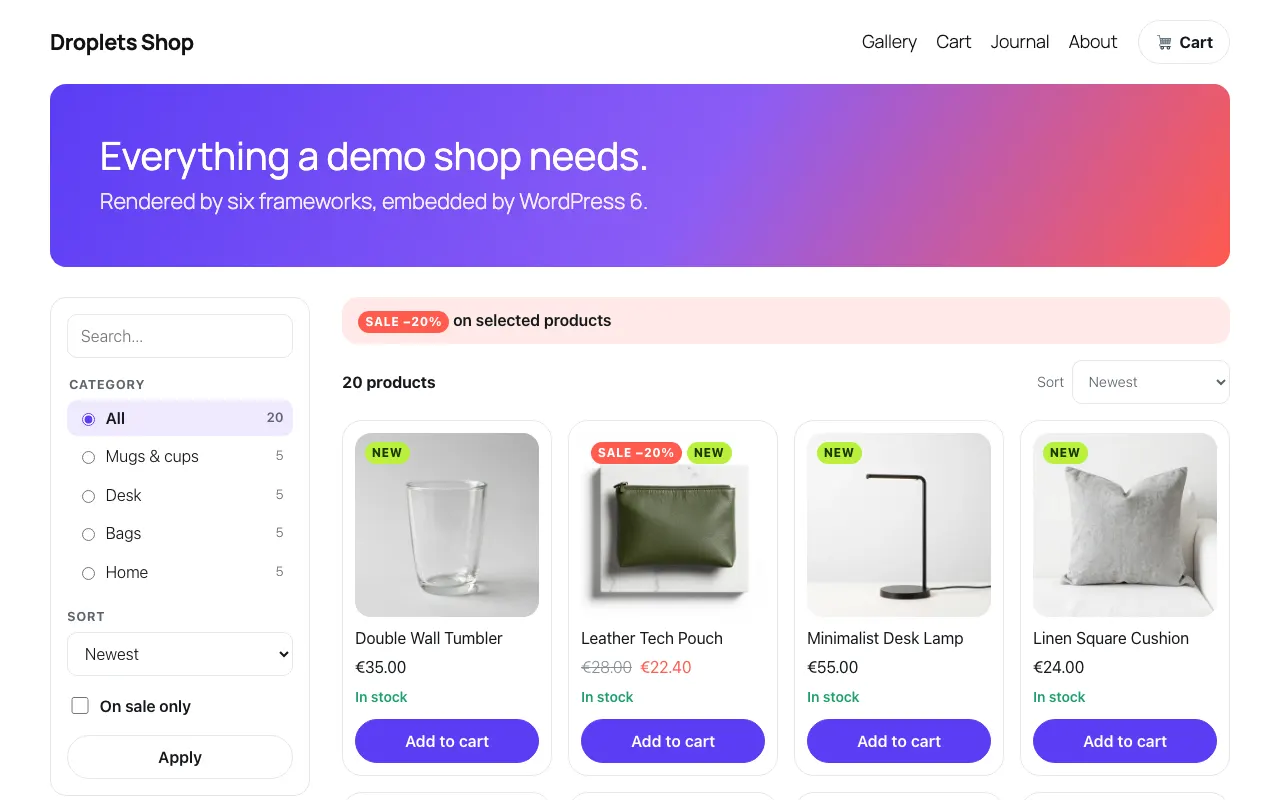
| WordPress WordPress 6, a plugin; WordPress owns the data | CMS plugin | A flow of its ownpnpm test:hosts wordpress |
| Ruby | ||
| Sinatra Ruby, Sinatra, Net::HTTP, ERB | Server include | The shared shop flowpnpm test:hosts sinatra |
| No backend code | ||
| nginx nginx, zero application code; an IIS web.config | Reverse proxy at the edge | The shared shop flowpnpm test:hosts nginx |
| htmx htmx 2 on static pages, nginx | In the browser | A flow of its ownpnpm test:hosts htmx |
| Static HTML One HTML page and a script on nginx, no proxy | In the browser | A flow of its ownpnpm test:hosts static |
| Site builders Webflow, Wix, Squarespace, Shopify | In the browser | Not run: a guide, no example |
| Anything else | ||
| Not here? | Server include, or the browser | The recipe, with the exact headers |
One droplets server can feed every host at once. They differ only in who fetches the fragment, the host’s server or the browser:
Most examples also proxy /index.js, /env.js, /index.css, /droplets/*,
/assets/* and /api/* under their own origin, so the browser talks to one
origin (the paths).
Static HTML and the
site builders do not: the page asks the
droplets server on its own origin, and gets no cookies there.
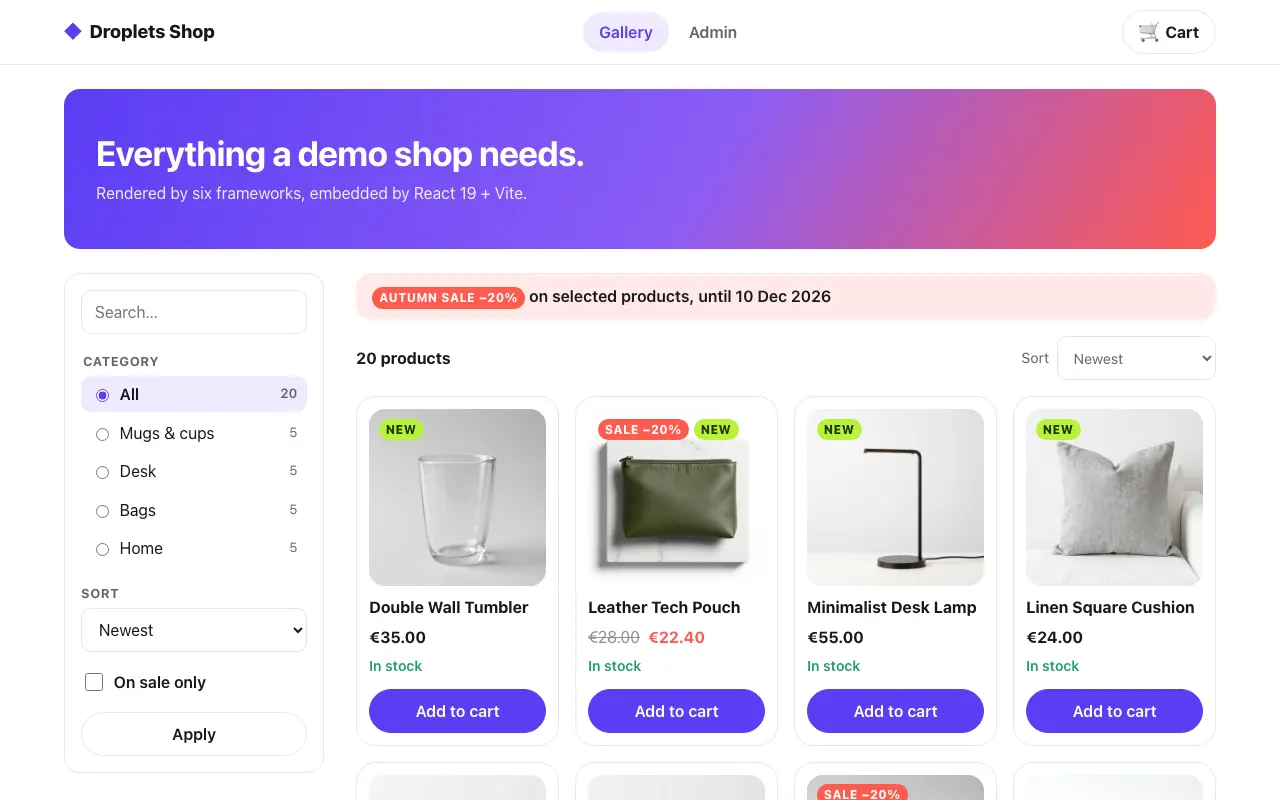
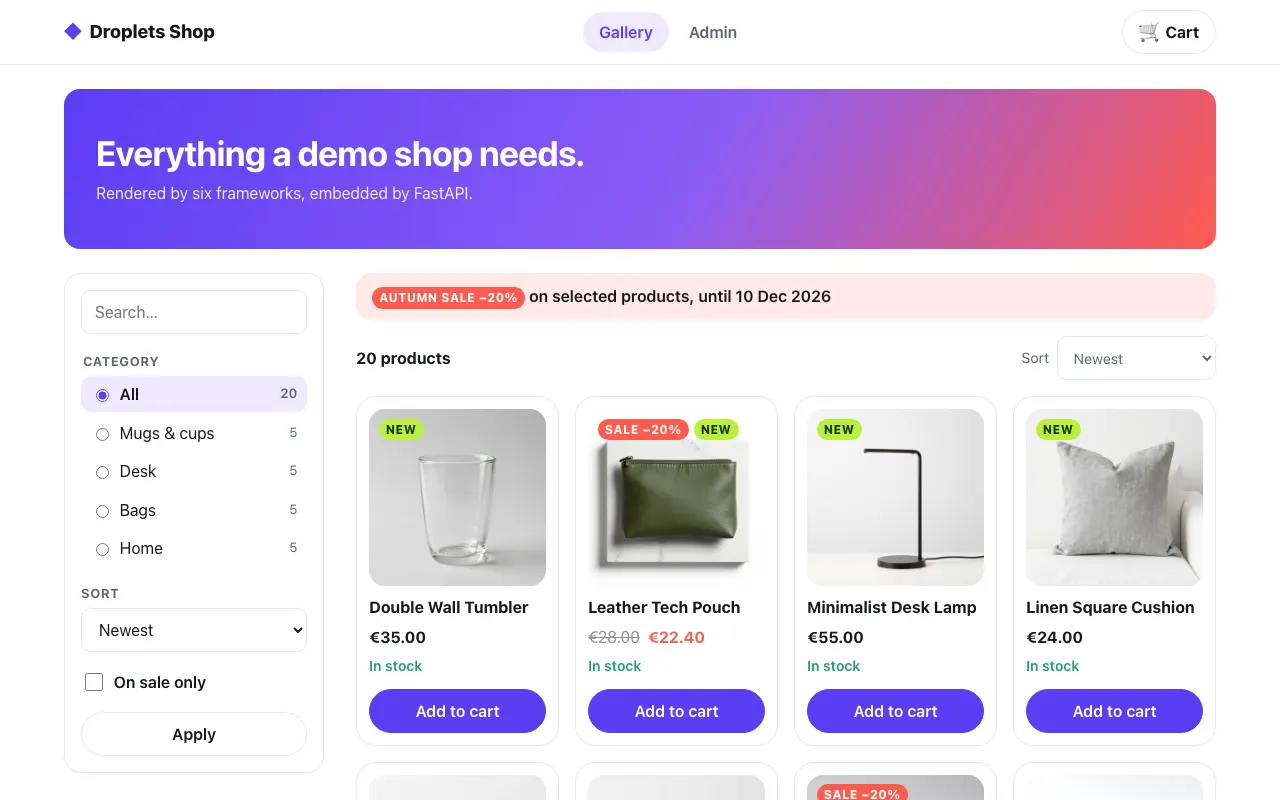
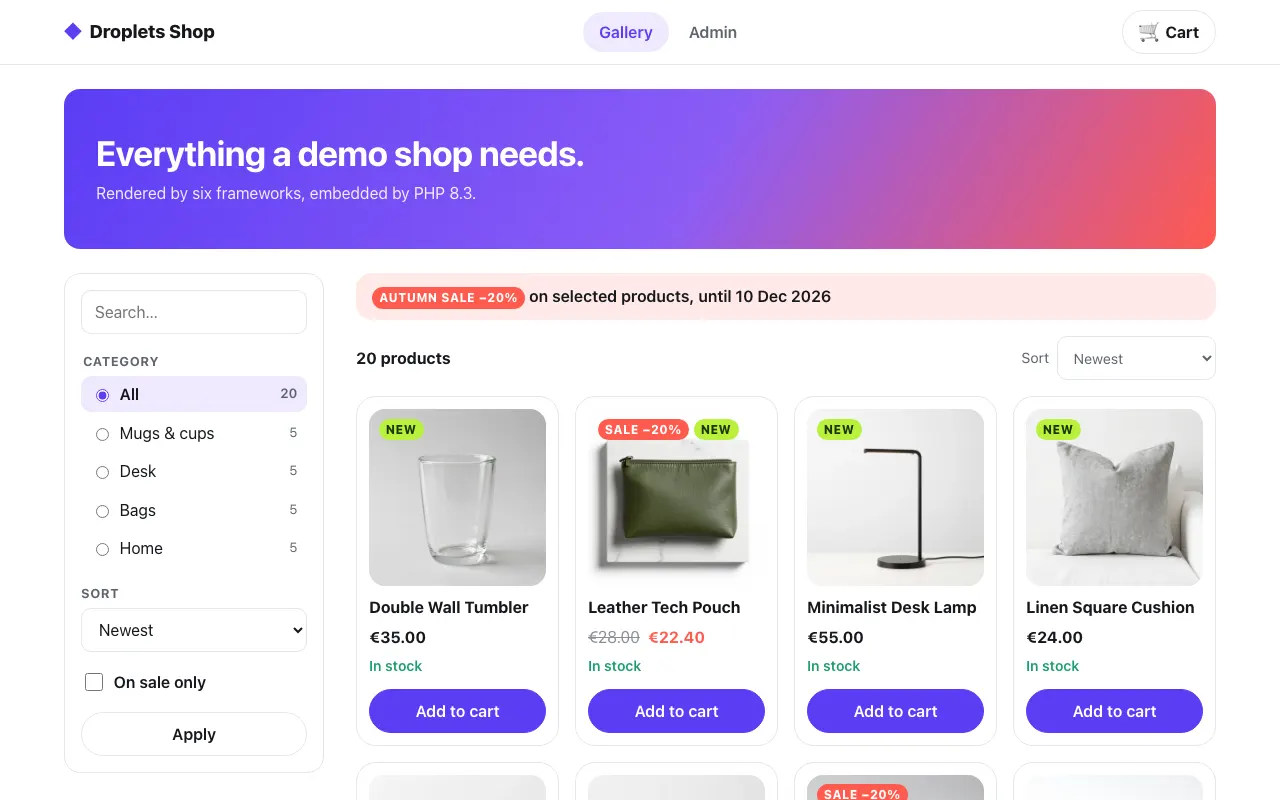
Each host as the end-to-end test recorded it, by language:
JavaScript / TypeScript
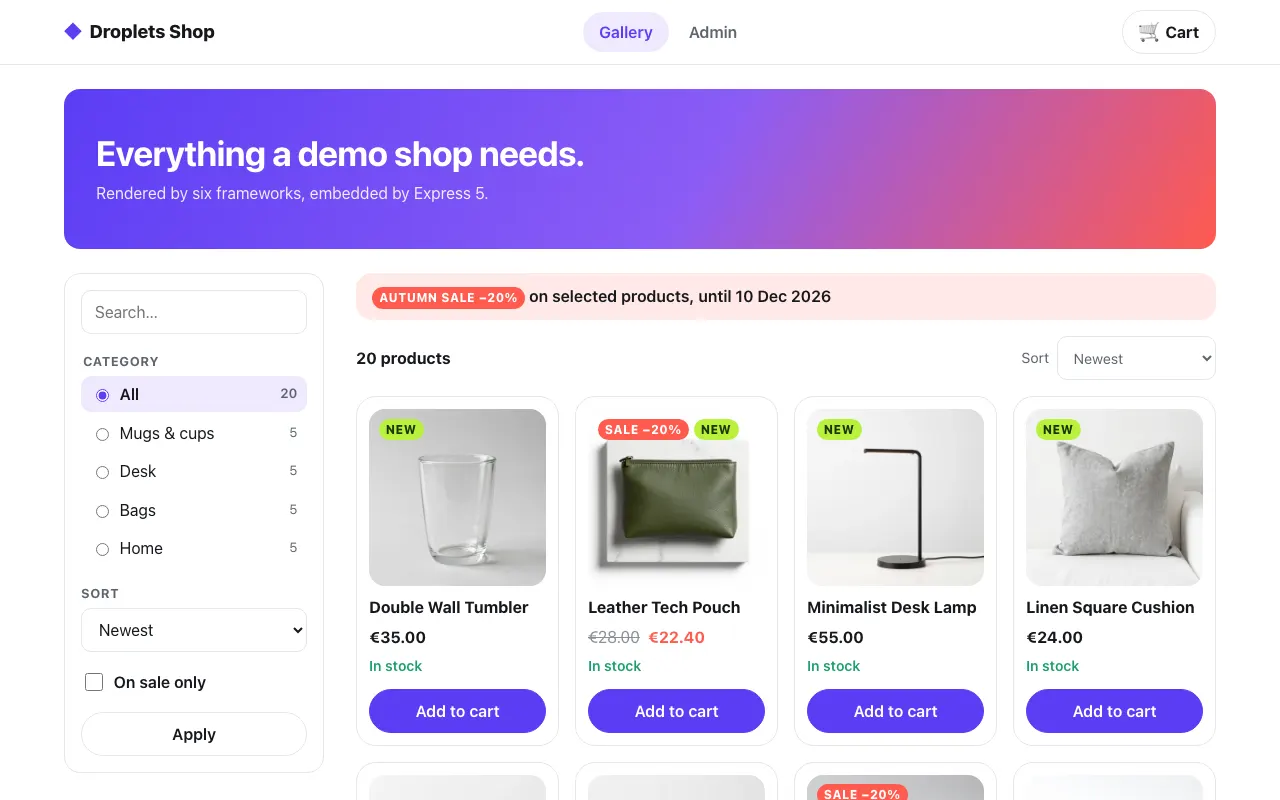
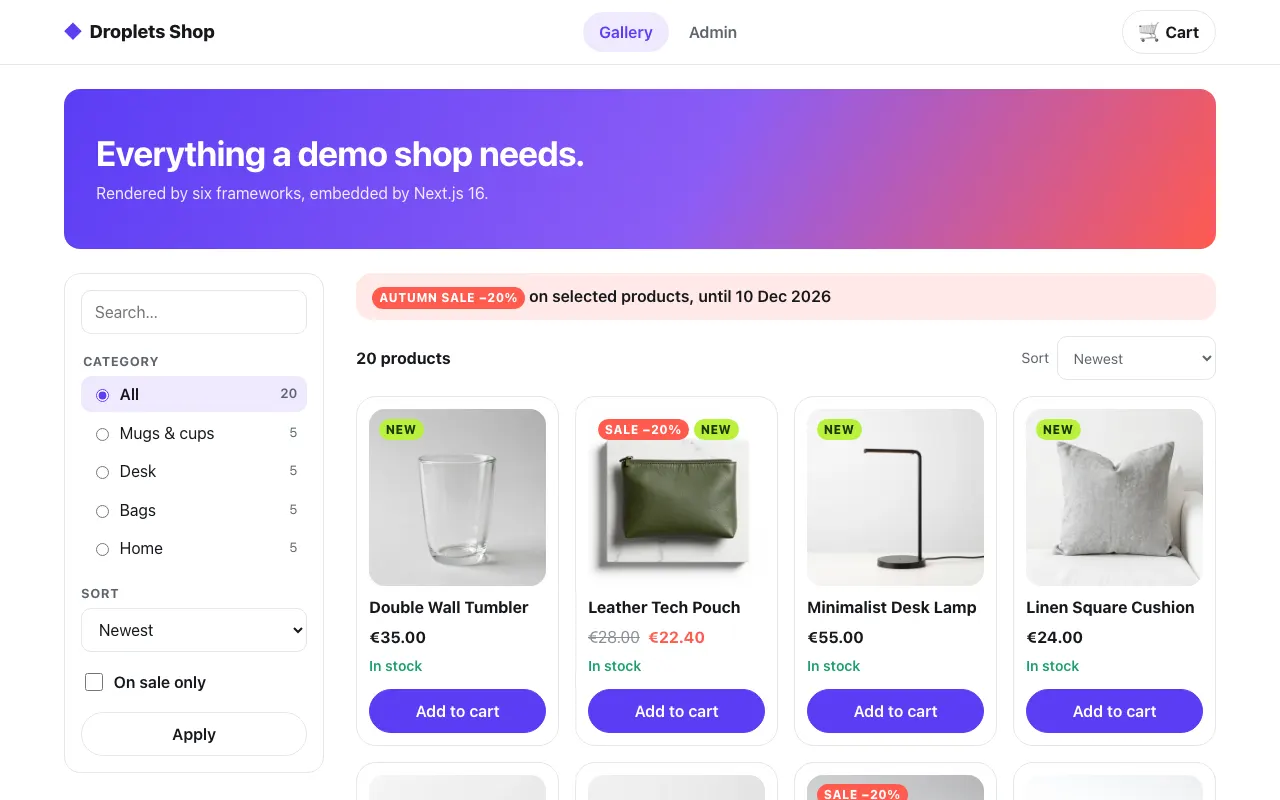
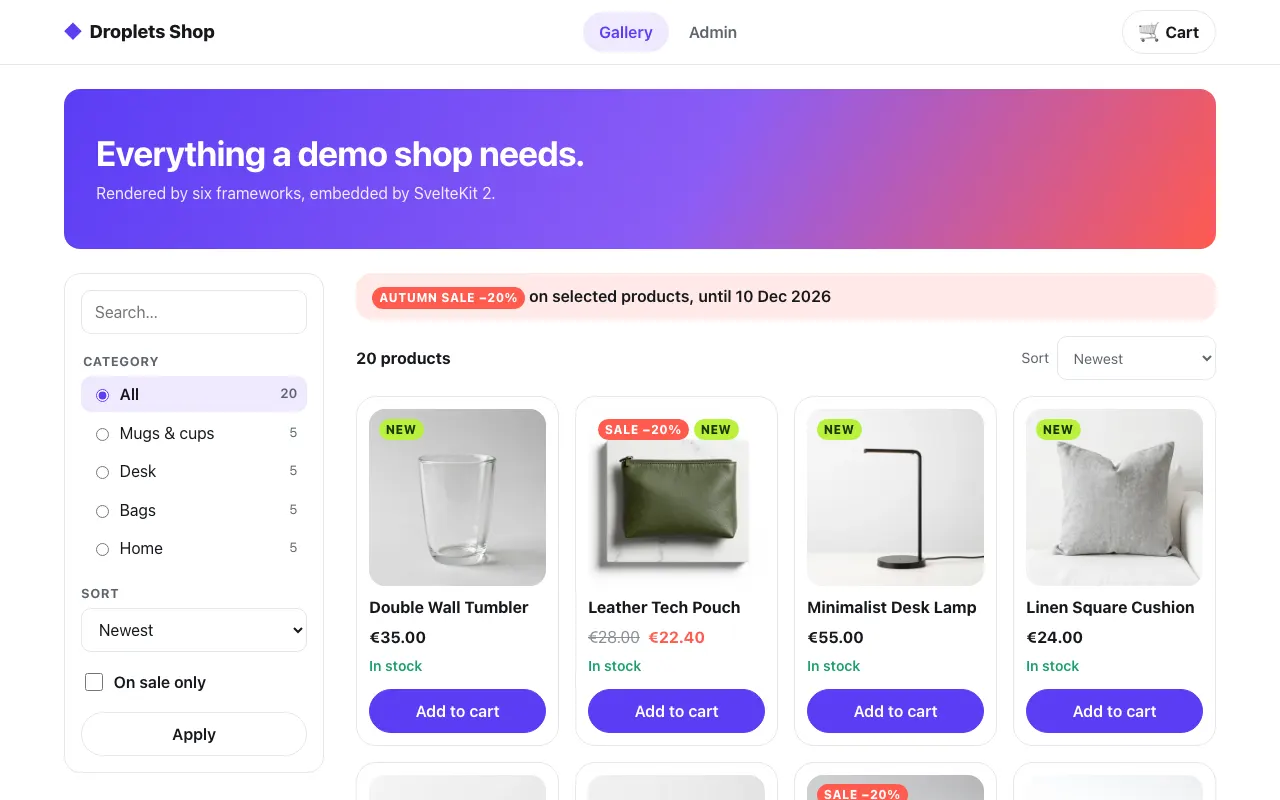
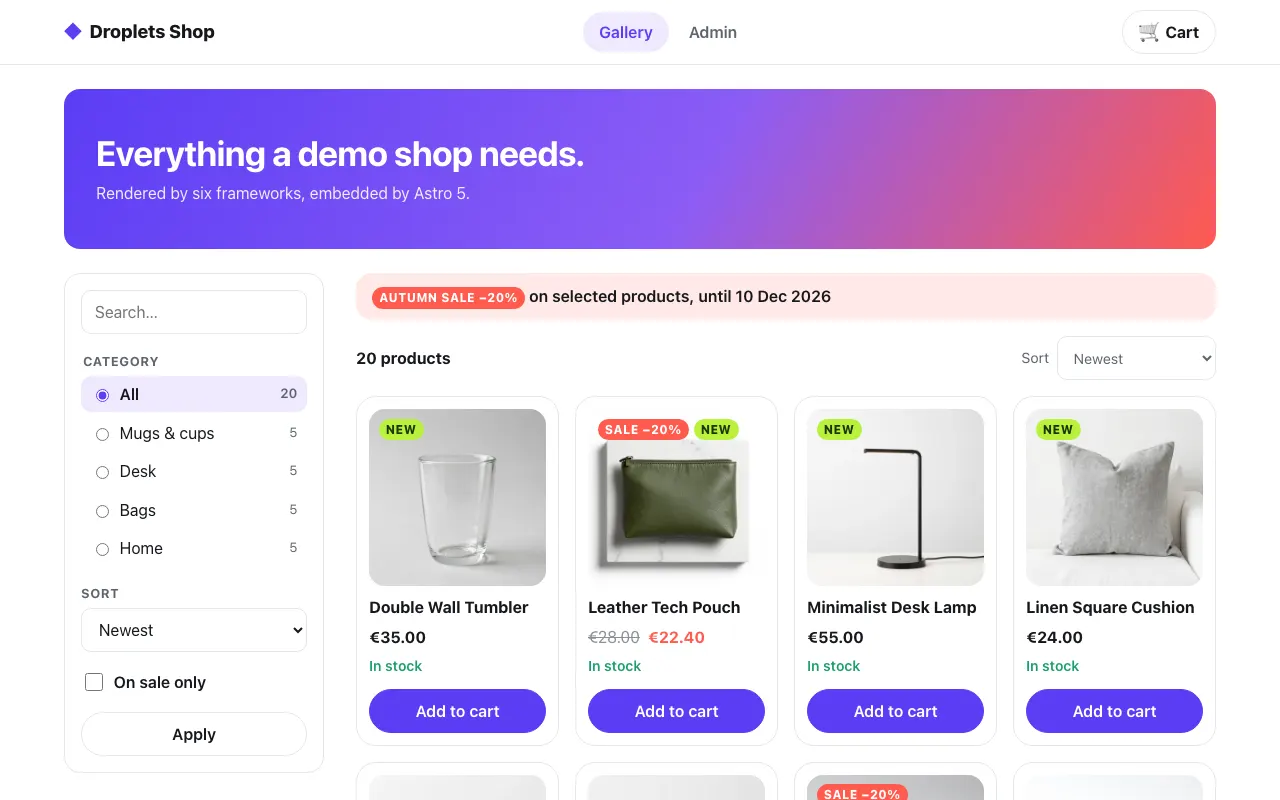
Python
PHP
Ruby
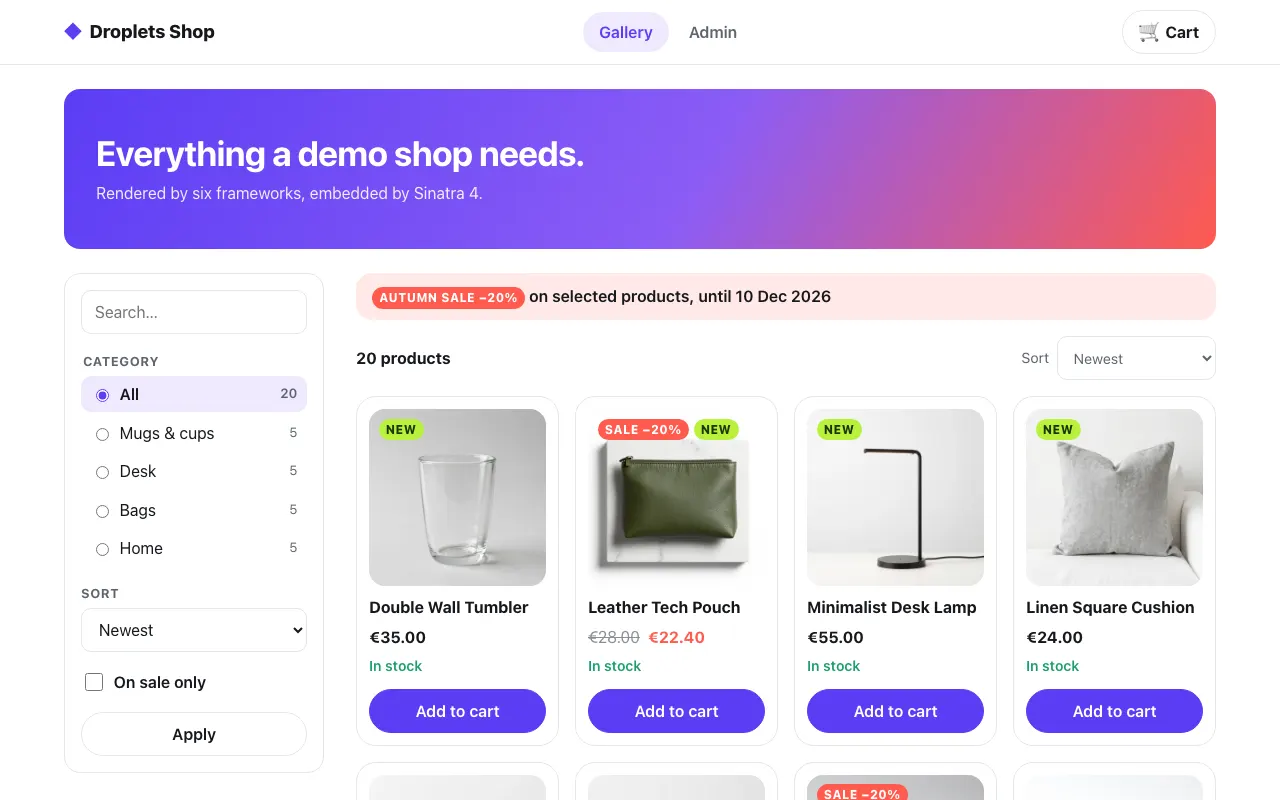
No backend code
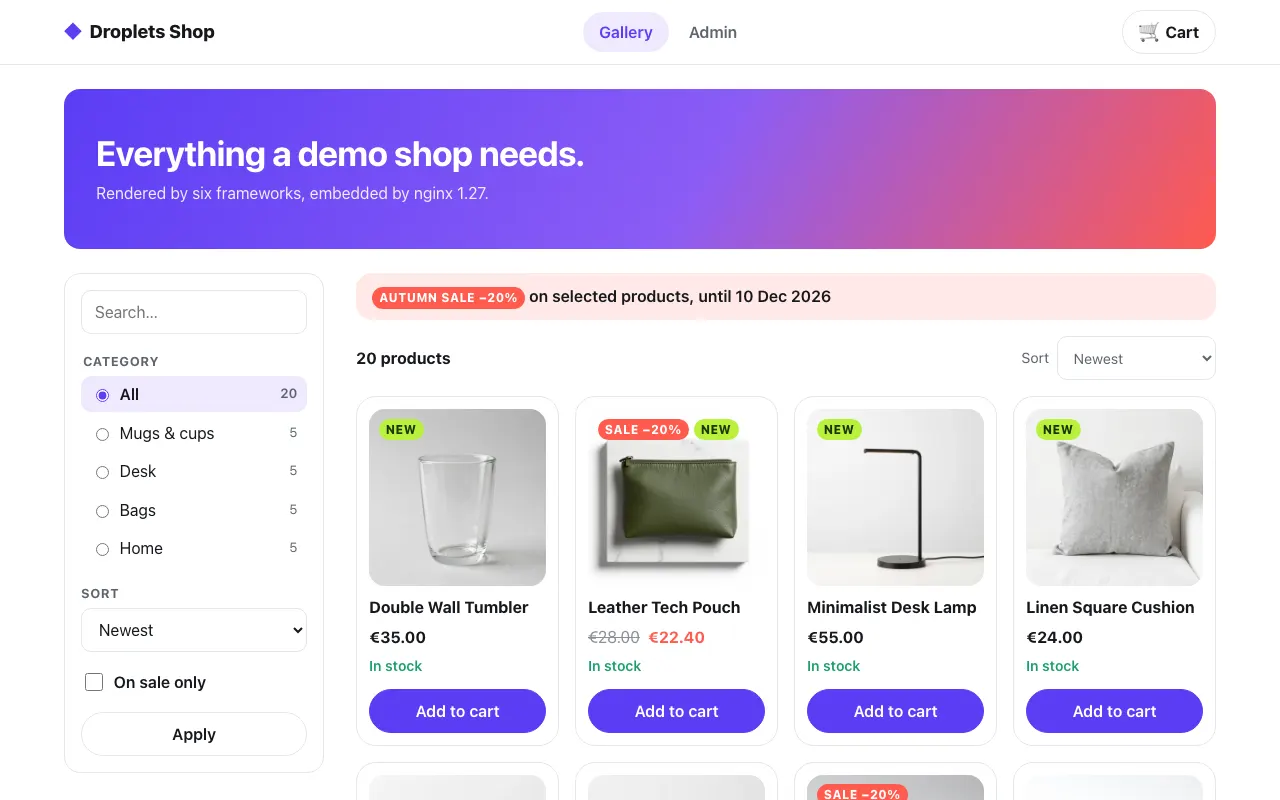
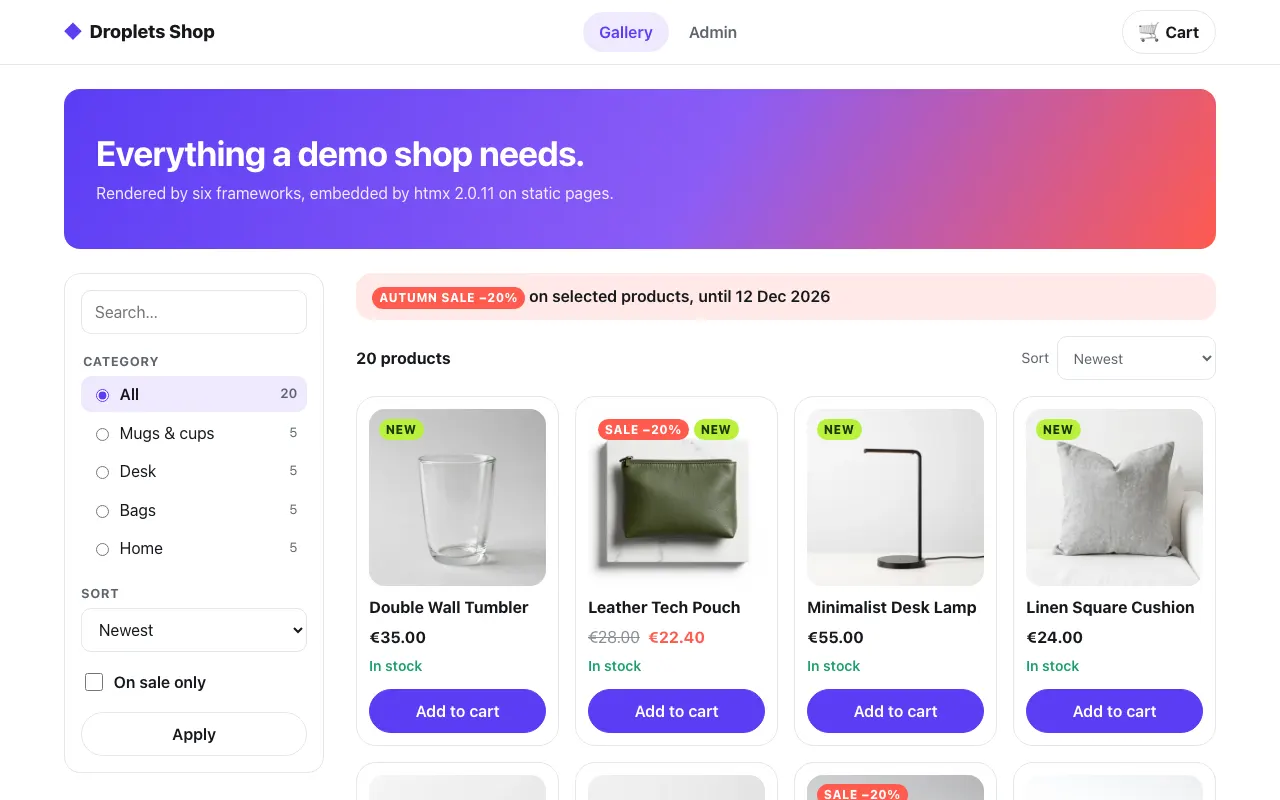
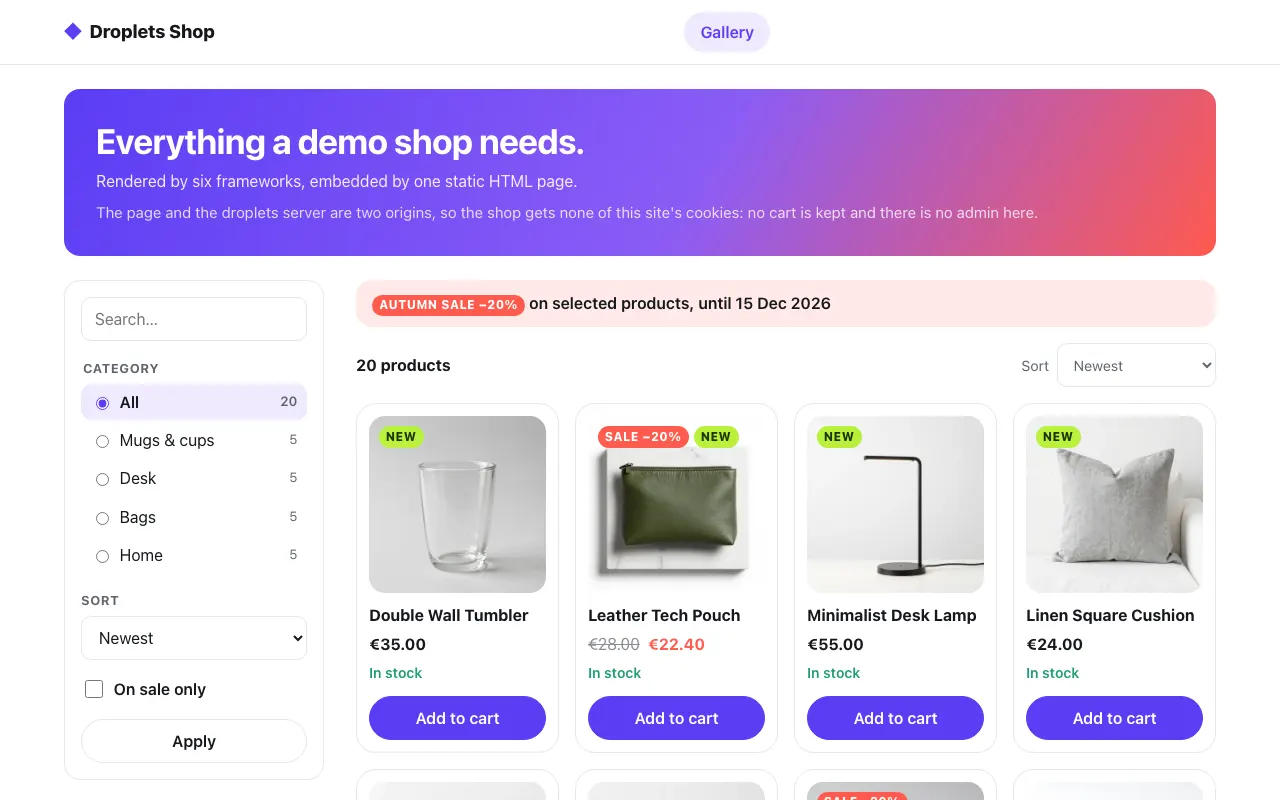
Three variations
Section titled “Three variations”Server include. The host’s server fetches the fragment and renders it into its template; most hosts in the table do this, the WordPress plugin included. It is the default choice: the page arrives rendered, and droplets that never hydrate, and forms through Post/Redirect/Get, work without JavaScript.
Reverse proxy. The host proxies the droplets routes under its own origin
and, if it can, includes fragments itself. nginx does both with Server Side
Includes and proxy_pass, with zero application code. No CORS is involved
because the browser only ever talks to one origin.
Client-only. A single-page app has no server to paste fragments into. It
writes the droplet element (<djs-droplet> by default, named per server by
element) with data-droplet and data-droplet-props directly, or fetches the
fragment from the browser, and lets the element do the rest. The React
example shows both. htmx does the second with no code
at all: hx-get asks for the fragment and swaps it into a static page, and
hx-boost moves between the shop’s static pages by swapping <main>
alone. Static HTML is one page and a script,
asking the droplets server on its own origin with no proxy, and the
site builders paste the same script and
element into a builder’s custom code block.
Passing content in
Section titled “Passing content in”A host can put its own content inside a droplet, other droplets included, in
one <div data-droplet-slot> before the element’s closing tag. The component
decides where it shows. See Host children.
Choosing when it hydrates
Section titled “Choosing when it hydrates”data-droplet-hydrate="visible" or "interactive" on the element defers a droplet’s
JavaScript until it scrolls into view or someone interacts with it, whatever
the component declares. See Lazy hydration.
While developing
Section titled “While developing”Point the host at vite dev instead of a build
(http://localhost:5173/index.js, fragments from localhost:5173) and the
droplets update in place while you edit them. index.js?injectTool=true adds
the dev tool to the host page. See Development.
Two origins
Section titled “Two origins”Inside Docker, the host reaches the droplets server at http://shop:8300
while browsers reach it through the host’s own origin. Each example’s
compose file sets the pair for the host and DROPLETS_TRUSTED_ORIGINS for
the droplets server; the environment
says what each one does.
Security model says what crosses between the host and the droplets server: cookies, caching, CORS and who sees what.
The examples
Section titled “The examples”The folder name is the host’s id everywhere: its docs page, its recordings
and pnpm test:hosts <id>. examples/hosts/hosts.json lists them, with the
language, the pattern and the port each one uses; this section, the sidebar
and the table above are built from it.
Running the examples
Section titled “Running the examples”Each example folder in the repository is standalone, with its own dependencies
and a docker-compose.yml that starts it next to the shop and, for most, a
droplets server built from the Svelte example, examples/frameworks/svelte:
cd examples/hosts/<id>docker compose up --buildSet SHOP_SECRET and DROPLETS_SECRET first (32 or more random characters
each, openssl rand -hex 32; WordPress takes WP_SHOP_HOST_SECRET and
WP_SHOP_SERVICE_SECRET instead of the first), in the environment or a .env
file beside docker-compose.yml: compose refuses to start without them.
pnpm test:hosts generates its own for a run.
All of them but Static HTML render the Svelte example’s three droplets on /, one per mode: client
(rendered in the browser), ssr-hydrate (server-rendered, then hydrated) and
ssr-nohydrate (server-rendered, no JavaScript). The interactive ones call the droplets server’s /api endpoints
through $droplets/drop, on the origin the
page loaded /index.js from, so a host that proxies the droplets server
under its own origin proxies /api/* too.
pnpm test:hosts runs ten of the
twelve flows one after the other;
pnpm test:hosts wordpress and pnpm test:hosts htmx
run only by name (tests/hosts).