Next.js
How a Next.js App Router app embeds droplets: a server component fetches each fragment and emits it as HTML.
The pattern in Next.js
Section titled “The pattern in Next.js”// lib/shop.ts, fragment() (trimmed)async function fragment(page: PageRequest, id: string, params = new URLSearchParams()): Promise<Fragment> { const url = `${internal}/droplets/${encodeURIComponent(id)}?${params}`; const headers: Record<string, string> = { accept: "text/html", "x-droplet-location": origin, referer: origin + page.path }; const cookie = shopCookies(page.cookie); if (cookie) headers["cookie"] = cookie; const result: Fragment = { html: "", status: 502, location: null, cookies: [], link: null }; const response = await fetch(url, { headers, redirect: "manual", cache: "no-store" }); result.status = response.status; result.cookies = response.headers.getSetCookie(); result.link = response.headers.get("link"); if (response.status >= 300 && response.status < 400) { result.location = response.headers.get("location"); } else if ( (response.ok || response.status === 500) && (response.headers.get("content-type") ?? "").startsWith("text/html") ) { result.html = await response.text(); return result; } // … anything else: result.html becomes a "droplet is unavailable" note return result;}// app/(shop)/layout.tsx, in <head>: once per page<script type="module" src="/index.js" />// app/(shop)/gallery/page.tsx: the fragment's HTML, as it came<aside> <Fragment html={fragments[0]!} /></aside>shopPage()inlib/shop-page.tsxtakespagefrom the page’s own path and query and the browser’sCookie(fromheaders()).fragment()sendsGET /droplets/<id>?<params>toSHOP_INTERNAL_URLwithaccept: text/html,x-droplet-locationset to the origin ofSHOP_PUBLIC_URL, the shop’s own cookies from it (cart_id,shop_admin) and the page’s URL asreferer.cache: "no-store"keeps Next from caching it.redirect: "manual"keeps a droplet’s 3xx, whichshopPage()answers with Next’sredirect(location, RedirectType.replace).- Only a
text/htmlanswer (a 2xx, or a 500 carrying the droplet’s error page) is pasted;Fragmentwrites it withdangerouslySetInnerHTML. - Route handlers (
app/index.js/route.ts,app/env.js/route.ts,app/index.css/route.ts,app/droplets/[[...path]],app/assets/[...path],app/api/[...path]) pass/index.js,/env.js,/index.css,/droplets/*,/assets/*and/api/*on to the shop.
The shop demo, recorded
Section titled “The shop demo, recorded”The shop demo on Next.js 16, recorded by the end-to-end test. How the pieces fit has the diagram.
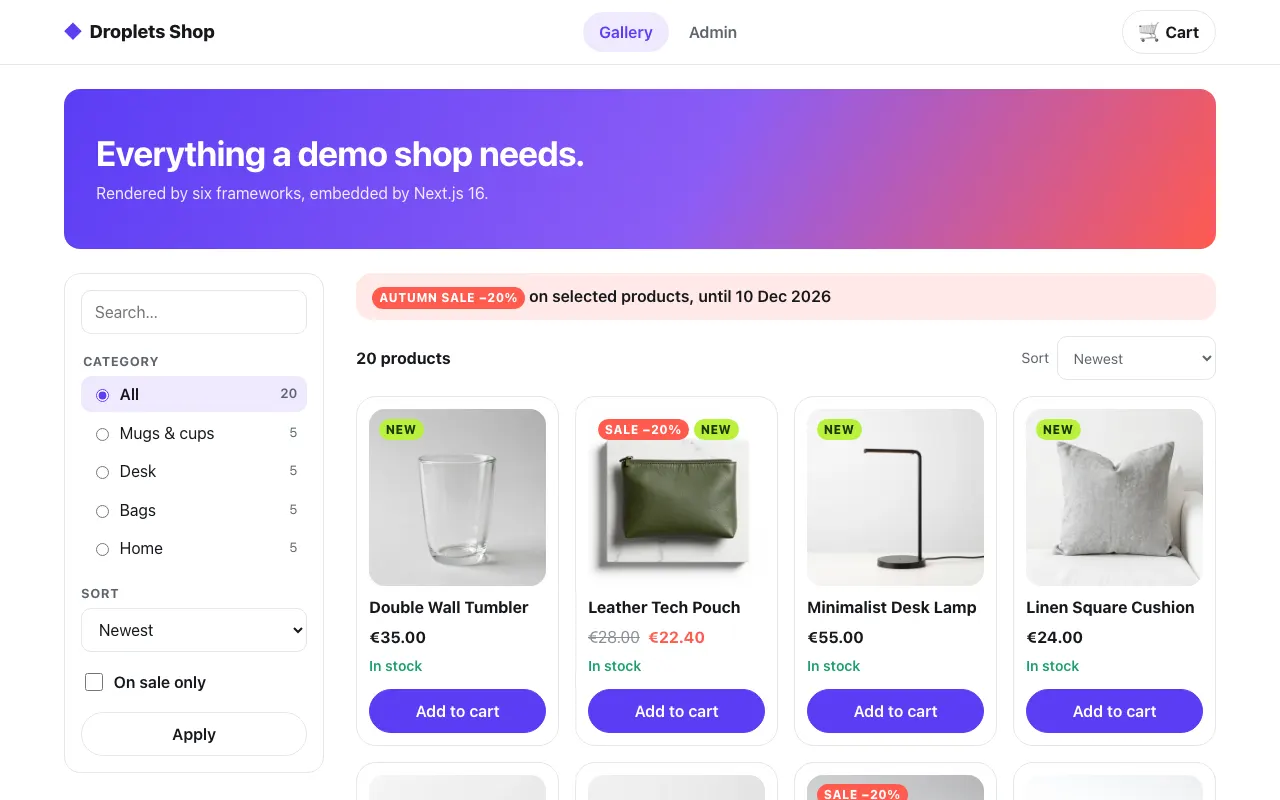 The gallery
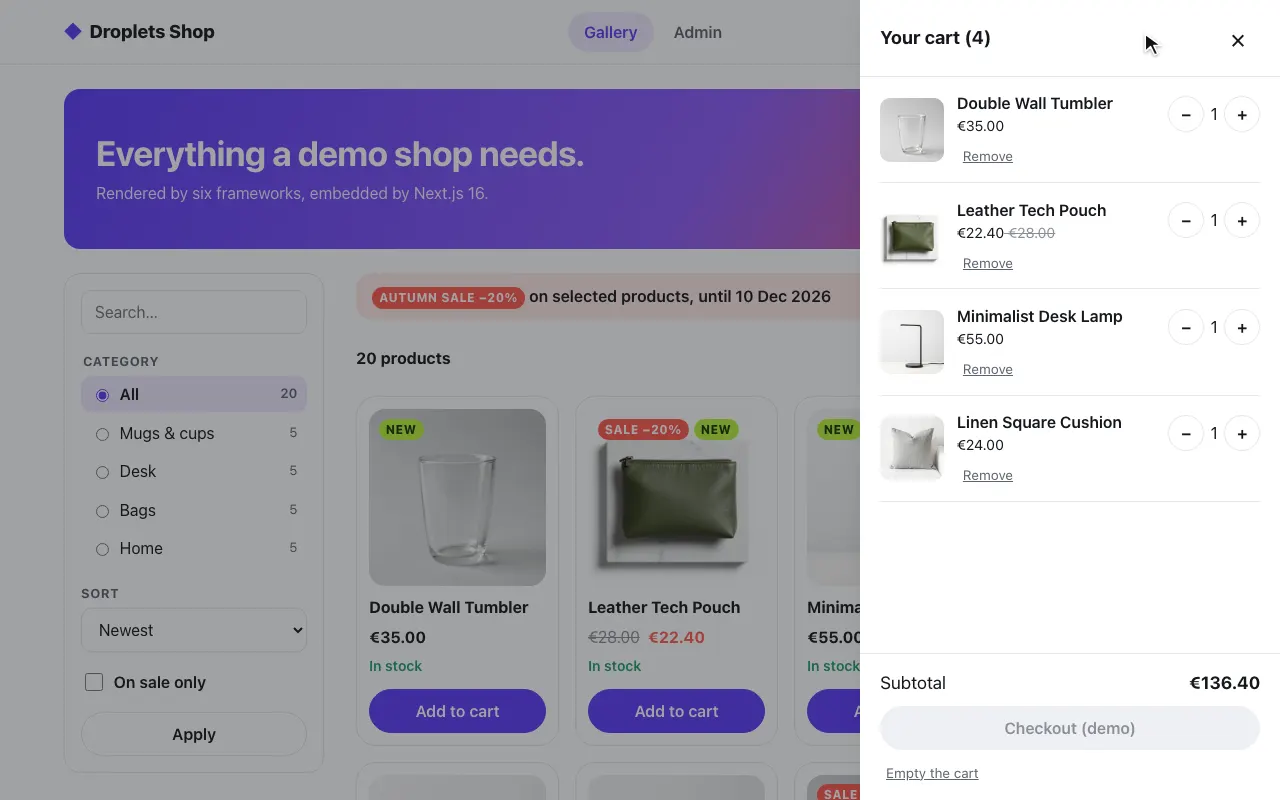 A product in the cart
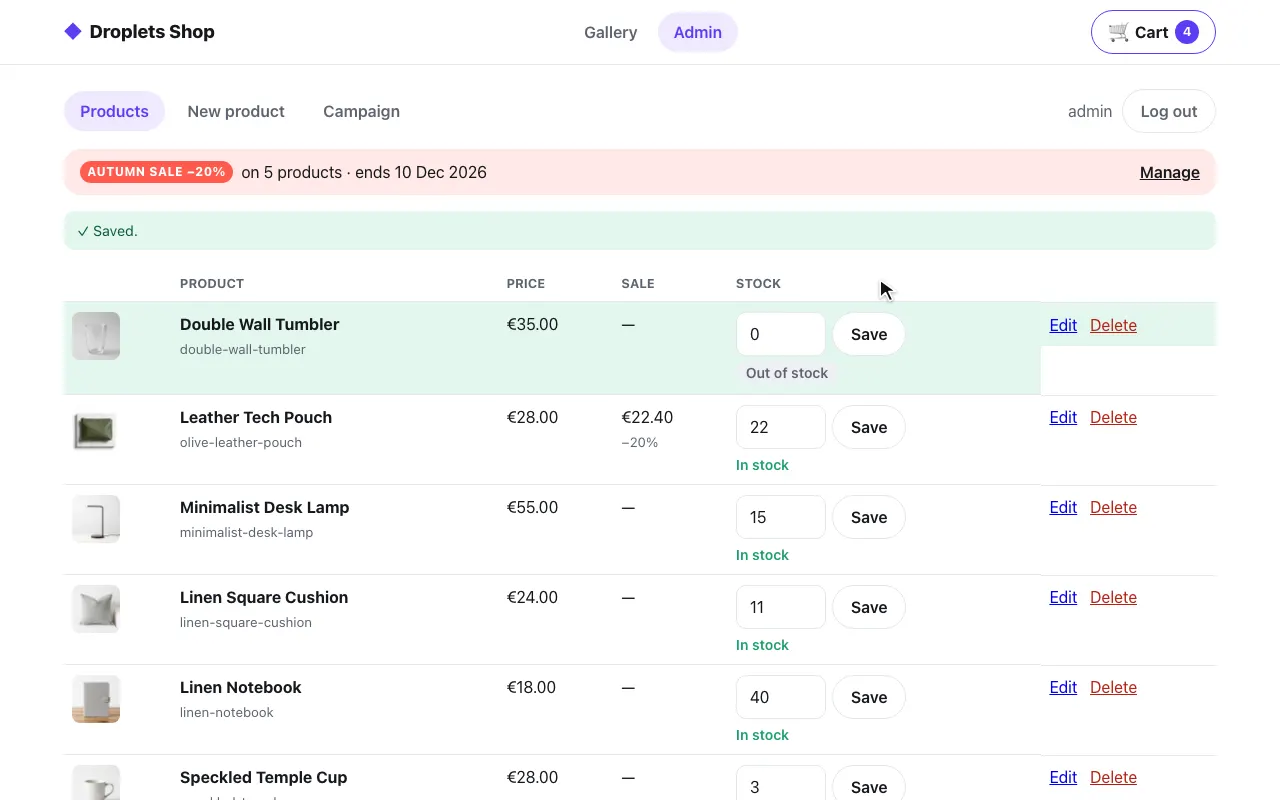 The admin: stock set to 0
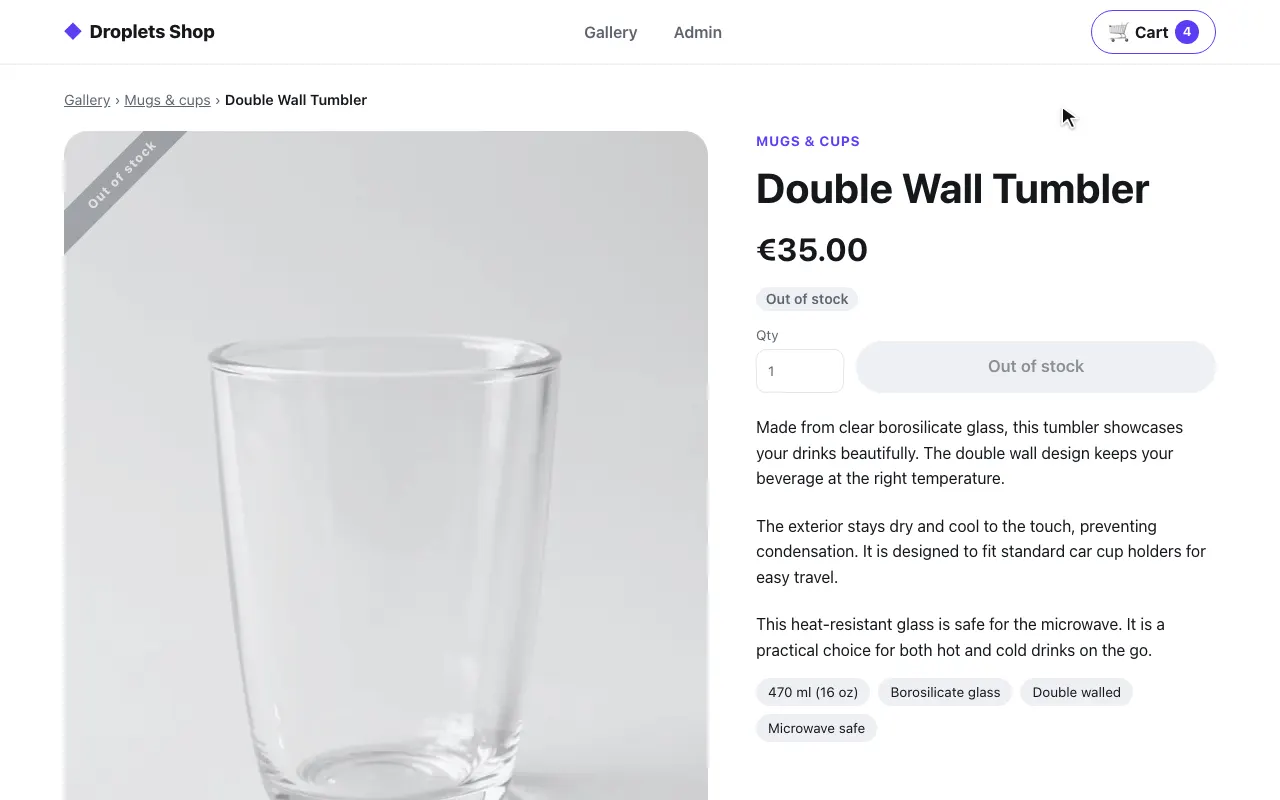 The product page: out of stock
The code is in examples/hosts/nextjs: the app/(shop) route group, the route
handlers that proxy, lib/shop-page.tsx (the Next.js side) and lib/shop.ts
(the framework-free fetches and proxy).
Pieces and ports
Section titled “Pieces and ports”docker-compose.yml starts three services:
| Service | Port | What it is |
|---|---|---|
web |
8007, public | Next.js (App Router): the shop’s pages, the proxy, and the basic page at / |
shop |
8300, internal only | the shop’s droplets server (examples/shop) |
droplets |
8000, public | the Svelte example’s droplets server, for / only |
On web |
Value | Used for |
|---|---|---|
SHOP_INTERNAL_URL |
http://shop:8300 |
internal: fragment fetches and the proxy |
SHOP_PUBLIC_URL |
http://localhost:8007 |
public: this host’s own origin, sent as x-droplet-location |
DROPLETS_INTERNAL_URL, DROPLETS_PUBLIC_URL |
http://droplets:8000, http://localhost:8000 |
the same pair, for the basic page |
How a page gets a droplet
Section titled “How a page gets a droplet”A server fetch in a server component, emitted with dangerouslySetInnerHTML:
// app/(shop)/gallery/page.tsxconst query = queryOf(await searchParams);const { toasts, cart, fragments, preloads } = await shopPage(`/gallery${query.size ? `?${query}` : ""}`, [  ["product-filter", query],  ["product-library", query],]);
// lib/shop-page.tsxexport function Fragment({ html }: { html: string }) {  return <div style={{ display: "contents" }} suppressHydrationWarning dangerouslySetInnerHTML={{ __html: html }} />;}
shopPage fetches the page’s fragments, plus toast-center and
shopping-cart with variant=badge for the header, in parallel
(Promise.all) with x-droplet-location, the shop’s cookies from the browser’s Cookie (from
headers()) and the page’s URL as Referer: the droplet’s
host. It never
follows redirects and pastes only text/html answers; anything else becomes
a “droplet is unavailable” note. The product page first reads
GET /droplets/product-page/_data?slug=… through findProduct, wrapped in
React’s cache() so the page and its generateMetadata share one lookup,
and calls notFound() when there is none. The Link preloads (only
preload and modulepreload, only on this host’s origin) render as
<link> elements, which React hoists into the head, and the
(shop) root layout loads <script type="module" src="/index.js"> once,
through the proxy. ShopShell puts the toast-center fragment first in the
body; /index.js installs window.shopMessageQueue before any droplet starts
(the shop’s src/hooks.client.ts):
// lib/shop-page.tsx, ShopShell<Fragment html={toasts} /><header className="shop-header">…<Fragment html={cart} />…</header>What it proxies
Section titled “What it proxies”Route handlers (app/index.js/route.ts, app/env.js/route.ts,
app/index.css/route.ts, app/droplets/[[...path]], app/assets/[...path],
app/api/[...path], all force-dynamic) pass
/index.js, /env.js, /index.css, /droplets/* (fragments, _data, form actions), /assets/*
and /api/* to the shop. Each is the same file:
export const dynamic = "force-dynamic";
const proxy = (request: Request) => shop.proxy(request);
export { proxy as GET, proxy as HEAD, proxy as POST, proxy as PUT, proxy as PATCH, proxy as DELETE, proxy as OPTIONS };
shop.proxy in lib/shop.ts sends x-droplet-location (the origin of
SHOP_PUBLIC_URL) and passes on only accept, accept-language,
content-type, if-none-match, origin, referer, user-agent,
x-droplet-props and x-droplets-build, plus cookie cut down to the
shop’s own cart_id and shop_admin: nothing that names a host, and no
other app’s cookie on this origin. The body streams through
(duplex: "half"), redirects are not followed, each request times out (15
seconds; fragments 10, the product lookup 5), and the answer comes back
with its Set-Cookie untouched, minus
content-encoding, content-length and the hop-by-hop headers. When the
shop is down it answers 502. The shop’s cookies are first-party, and
nothing is cross-origin.
Gotchas
Section titled “Gotchas”- A server component cannot set cookies. Only Server Actions, Route
Handlers and Next’s request proxy (the
proxyfile,middlewarebefore Next.js 16; this example has none) may; the page streams, so its headers may be gone. A fragment’sSet-Cookieon a page render is dropped (shopPagelogs a warning). The shop sets cookies only from form actions and/api, which go through the route handlers, so its cart and login work. A droplet that sets a cookie on a plainGETwould need its page served from a Route Handler instead, giving up React for that page. - A server component cannot set
Cache-Controleither. The shop pages carry a visitor’s cart and session, sonext.config.tsgives/gallery,/product/:slug,/adminand/loginprivate, no-storethroughheaders(), as every other host sets it on its shop pages. - A droplet’s redirect goes out as Next’s 307:
redirect()takes no status. suppressHydrationWarningon the wrapper: the droplets hydrate themselves and may change their markup before React compares it.- A fragment that is not pasted is read, not canceled. Next’s
fetchhands back a tee of the body, and canceling one branch waits for the other forever, sofragment()reads the small body withresponse.arrayBuffer()instead. lib/droplets.ts,lib/shop.tsandlib/shop-page.tsximportserver-only, so none of them can end up in a client component.
Run it
Section titled “Run it”cd examples/hosts/nextjsdocker compose up --buildopen http://localhost:8007/gallery # log in as admin / dropletsSet SHOP_SECRET and DROPLETS_SECRET first; compose refuses to start
without them. The shop trusts one origin besides its own,
DROPLETS_TRUSTED_ORIGINS: http://localhost:8007, this host’s; the rest of
its environment is the same on every host: see
Running a host.
The Svelte example
Section titled “The Svelte example”The same app serves the Svelte example at / (the (basic) route group): its three droplets, one per mode, from examples/frameworks/svelte (the droplets service).
A server component runs on the Next server, fetches the fragments and emits
them with dangerouslySetInnerHTML. The droplets hydrate on their own in the
browser.
import "server-only";…export async function fragment( droplet: string, props: Record<string, string> = {},): Promise<string> { const url = new URL(`/droplets/${encodeURIComponent(droplet)}`, DROPLETS_INTERNAL_URL); for (const [key, value] of Object.entries(props)) url.searchParams.set(key, value); try { // Fragments are per-request content; never let Next cache them. const response = await fetch(url, { headers: { accept: "text/html", "x-droplet-location": DROPLETS_PUBLIC_URL }, cache: "no-store", redirect: "manual", signal: AbortSignal.timeout(5000), }); // Only an HTML answer is a fragment (a 500 carries the droplet's error // page); anything else may echo the props, so it is never pasted. const isFragment = (response.ok || response.status === 500) && (response.headers.get("content-type") ?? "").startsWith("text/html"); if (isFragment) return await response.text(); // Read, not cancelled: Next's fetch hands back a tee of the body, and // cancelling one branch waits for the other, forever. It is small. await response.arrayBuffer(); return `<p class="error">droplet "${escapeHtml(droplet)}" unavailable: HTTP ${response.status}</p>`; } catch (error) { return `<p class="error">droplet "${escapeHtml(droplet)}" unavailable: ${escapeHtml(String(error))}</p>`; }}// app/(basic)/page.tsx// The Svelte example's droplets (examples/frameworks/svelte), one per mode.const IDS = ["client", "ssr-hydrate", "ssr-nohydrate"];
export default async function Page({ searchParams }: { searchParams: SearchParams }) { const params = await searchParams; const who = typeof params.who === "string" ? params.who : "Next.js";
const fragments = await Promise.all( IDS.map((id) => fragment(id, { who })), );
return ( <main style={{ maxWidth: "48rem", margin: "0 auto" }}> … <div suppressHydrationWarning dangerouslySetInnerHTML={{ __html: fragments.join("") }} /> </main> );}// app/(basic)/layout.tsx<head> <script type="module" src={`${DROPLETS_PUBLIC_URL}/index.js`} /></head>cache: "no-store" keeps the fragment out of Next’s data cache: a cached
fragment would show stale data and a stale build hash.
The example lives in examples/hosts/nextjs, with output: "standalone"
(and outputFileTracingRoot set to the folder) for the Docker image, which
runs node server.js. Here the page loads /index.js from the droplets
server’s own origin (http://localhost:8000), so the browser fetches
bundles and data across origins: the Svelte example runs with cors: true,
and the droplets service lists both DROPLETS_URL and WEB_URL in
DROPLETS_TRUSTED_ORIGINS.